Choose your photo
Use your camera or a photo from your library. A clear exterior view works best.
Identify cars with your camera or photos, build your collections, and find your next car event.
Take a photo or choose one from your library. Review the suggested make, model, and available specifications, then save the cars you want to keep.
Use your camera or a photo from your library. A clear exterior view works best.
See the suggested make, model, year range, and available specs. Results are estimates and may be wrong.
Save your favorite captures and organize them into personal collections.
Identify a car, plan your next event, or learn which details to look for.
Use your camera or a saved photo to get a suggested make and model.
Explore the identifier Local car events Find car shows near youFind upcoming shows, meets, and Cars and Coffee events in your area.
Explore local events Vehicle guide What car is this?Learn how badges, lights, and body shape help identify a vehicle.
Read the guide iPhone car discovery Build your car collectionSave the cars that catch your eye and explore community captures.
See how RevvRadar works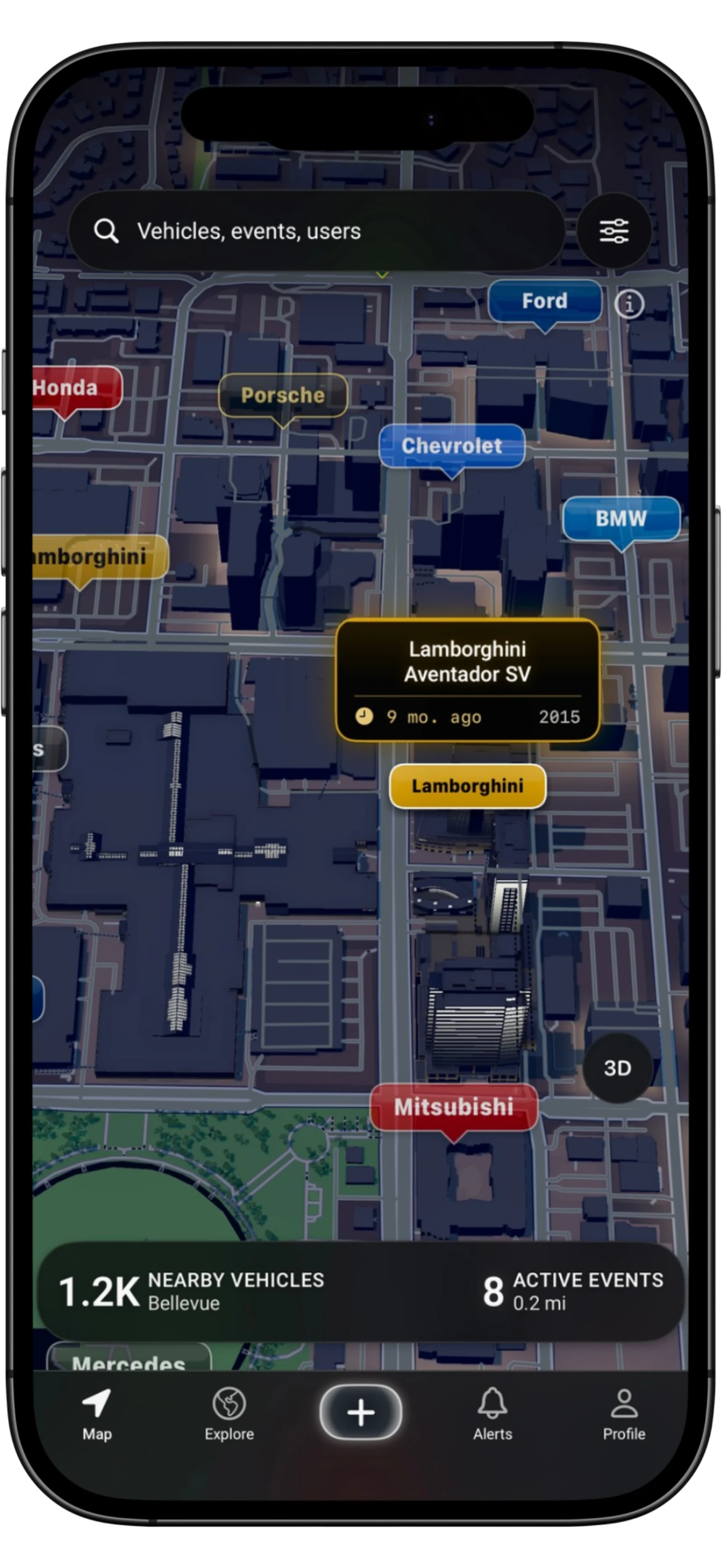
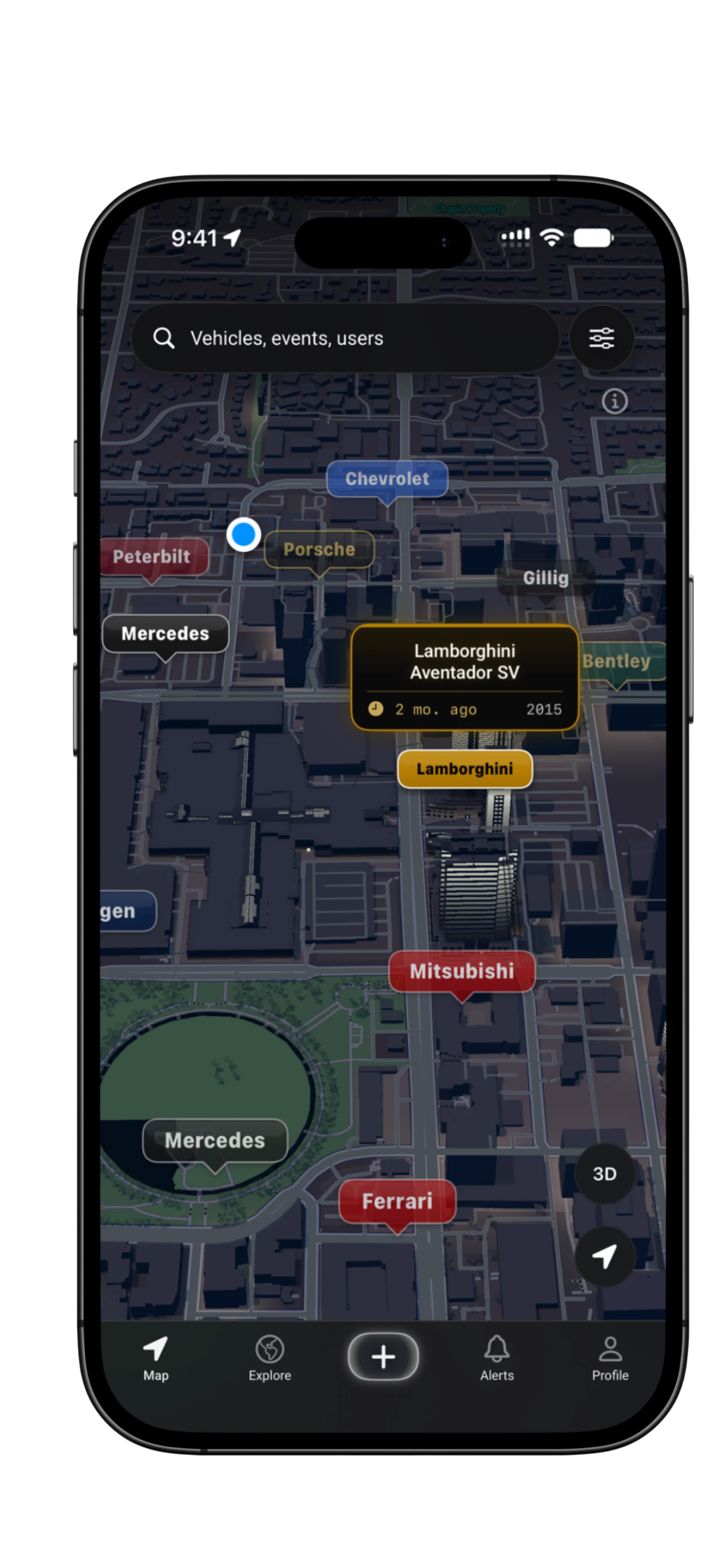
Explore public vehicle captures and car events on the map. Activity and event coverage vary by area.
Open a vehicle marker to see the capture and its details.
Find event details and see what the community has shared.
Browse shows and meets by city, date, and location. Check the details before you go, then check in when you attend.
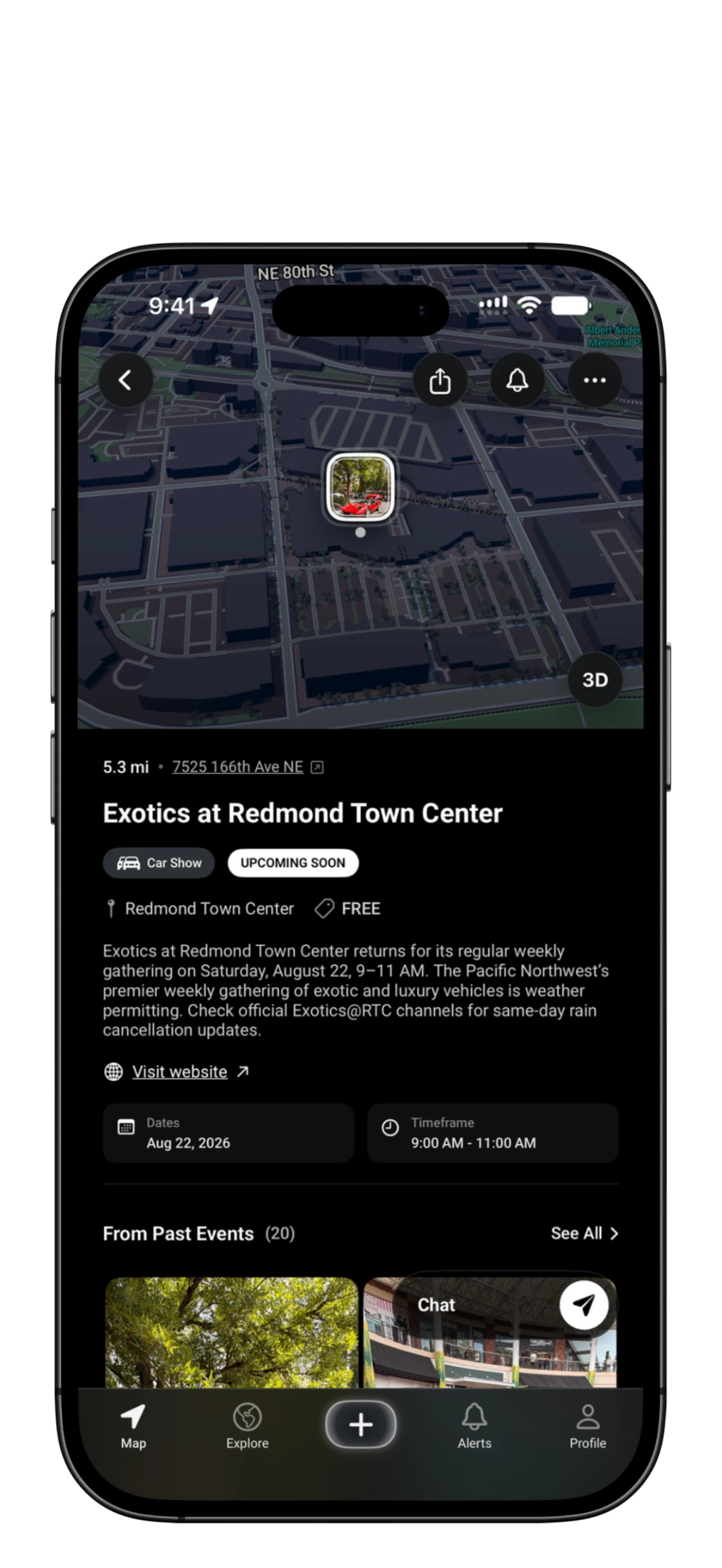
Check the time, venue, and entry details before you head out.
Check in at the event and explore the vehicles shared there.
Find public vehicle captures and listed events on the map.
Keep your favorite cars together, connect with enthusiasts, and choose your own look.
Group your saved captures into collections, with suggestions to help you get organized.
Follow other enthusiasts and react to the captures they share.
Choose app colors and alternate icons. Some options require Pro or Premium.
A few details about captures, privacy, and Free access.
RevvRadar uses controls such as approximate location display, private captures, profile privacy, and reduced or hidden location details around sensitive places. Location access can be disabled in iOS Settings. See the Privacy Policy for full details.
Yes. Identifications, years, specifications, and values are estimates and may be wrong. Review the result and suggest a correction if something looks off.
Use capture and profile privacy controls to choose what you share. Photos imported from your library stay off the map and do not count toward events or rewards.
Yes. Browse listed events by city, date, and location, then review the venue, schedule, and entry details. Coverage varies by area. Hosting an event? Submit it for review through the website link in Browse Events.
Yes. Get six daily captures and all available vehicle specifications on Free. Optional rewarded ads let you refill your allowance when available. Pro and Premium offer higher limits, more room for saved photos, and additional appearance options.
RevvRadar is available for iPhone. There is no Android version at this time.
Identify a car, save it to your collection, and discover what is happening nearby.
Try RevvRadar free on iOS